GLOBIE KART
Let's roll
Getting the grid ready...
GLOBIE KART
Getting the grid ready...
Drive with
A controller appears once a button is pressed.
| Keyboard | Controller | |
|---|---|---|
| Go | W ↑ | ✕ R2 |
| Brake, reverse | S ↓ | ☐ L2 |
| Steer | A D ← → | STICK D-PAD |
| Hop, drift | SPACE SHIFT | R1 |
| Power-up | E | L1 ○ |
| Recover | R | |
| Pause | ESC | OPTIONS |
| Music | M | CREATE |
Arrows / WASD / ZQSD: drive. A turn of the wheel is gentle at speed; held at full lock the kart slides into the corner and loses some speed. To keep it, drift: Space or Shift with a direction, hold through the corner, steer to open or close the curve, and release for a pulse once the sparks turn yellow. Press again in a ramp jump for an air pulse. E: use the power-up. R: recover. M: music and sounds. Esc: pause. Drag on the view to look around.
On a phone: the stick under your left thumb drives. Hold it to go, slide it sideways to steer, pull it back to brake; DRIFT and the power-up button are under the right. Thumb on the stick just before the lights go out for a start pulse.
With a controller (a DualSense or an Xbox pad, with a cable or wireless): Cross to go (or R2), Square to brake and reverse (or L2), the stick to steer, R1 to hop and drift, L1 or Circle for the power-up, Options to pause, Create for the music. Press any button once after the page opens for the browser to find it.
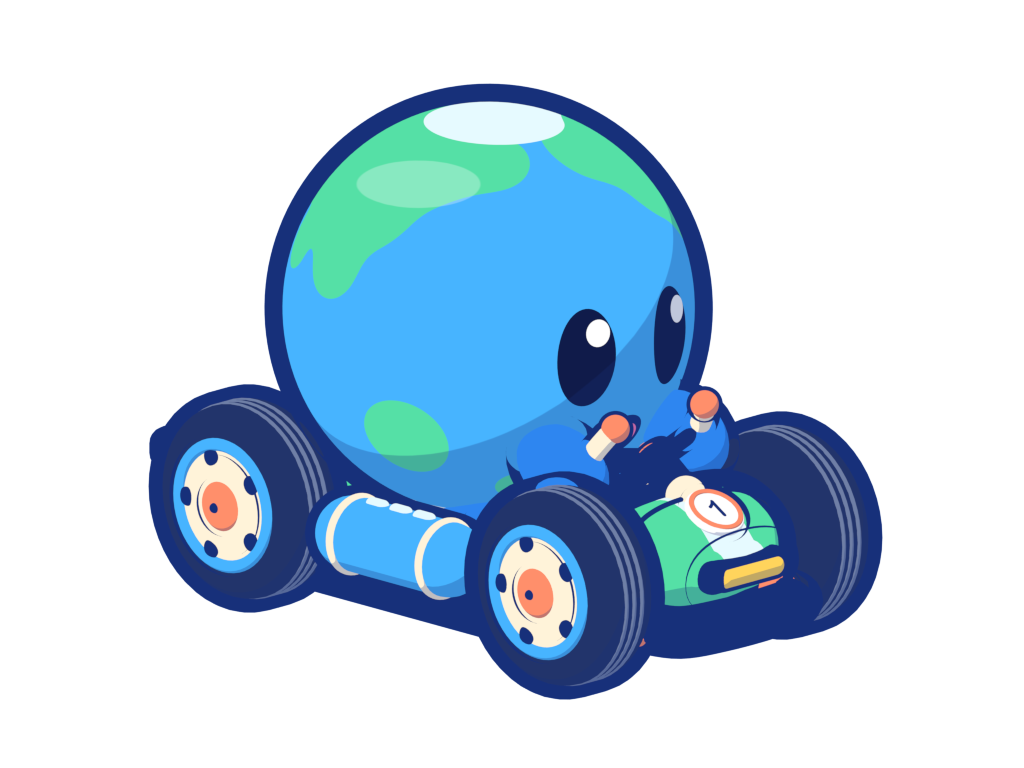
Take Globie round Geneva's harbour: past the Jet d'Eau and over two bridges. The star capsules across the road give a power-up drawn at random: a turbo, a snowball for the kart ahead, oil for the one behind, at the front a moon that circles you and stuns whoever it touches, and at the back of the race a mega turbo or Mega Earth. The pads with wind lines throw the kart forward.
Buildings, streets, landmarks: Données SITG, redrawn. Other landmark positions: © OpenStreetMap contributors. Ground map: © swisstopo. Terrain: Esri World Elevation. Music: Pixel Hero's Journey, made with Suno.